Product tour
The whole app, before you sign up.
Nine real screenshots of the live product, in the order you would actually use it. No form, no call, no salesperson. The names and numbers come from a sample studio; yours will be yours.
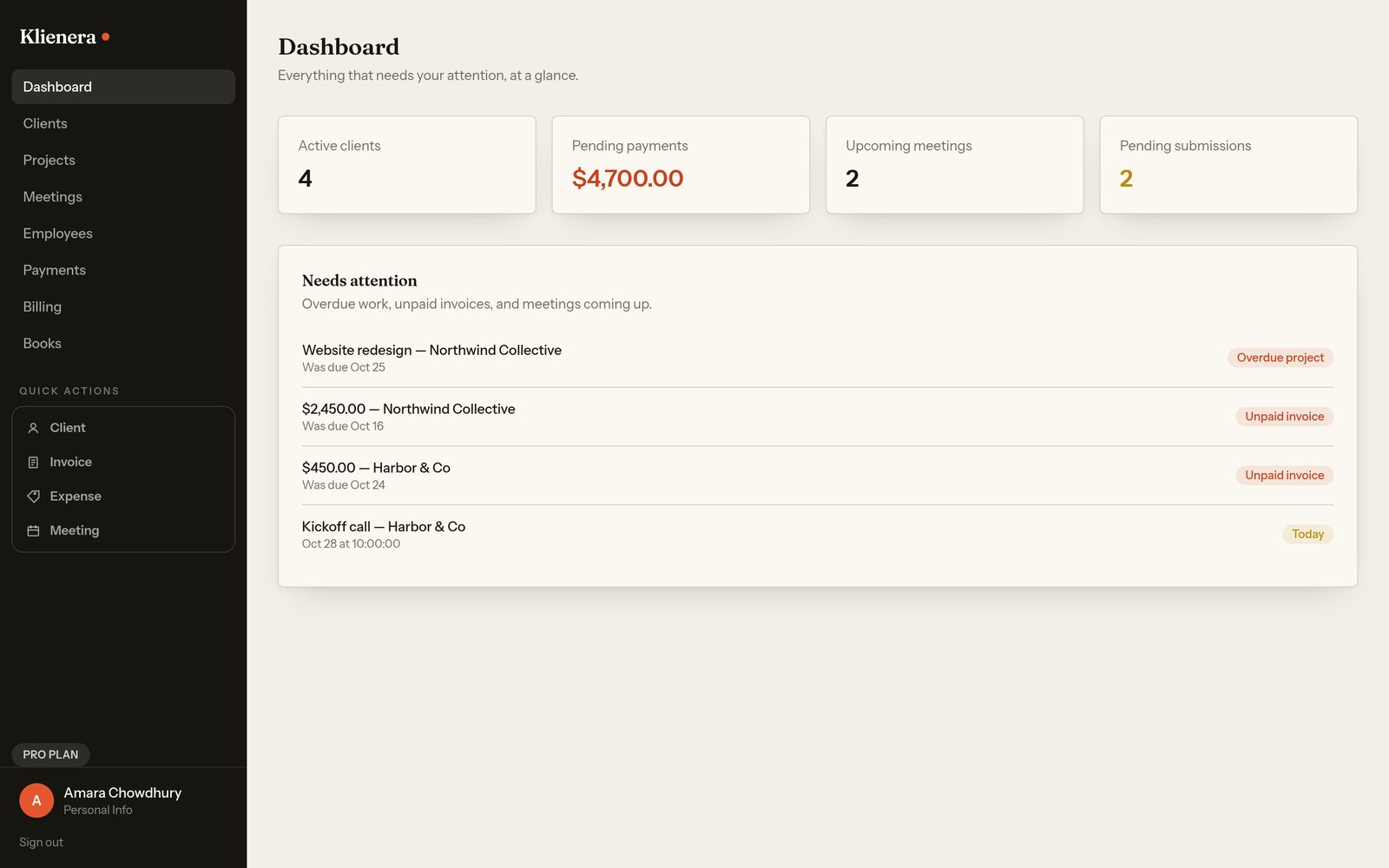
The dashboard
The first thing you see, every morning: active clients, money still owed, meetings coming up, and one list of everything that is late. It is a to-do list the app writes for you.
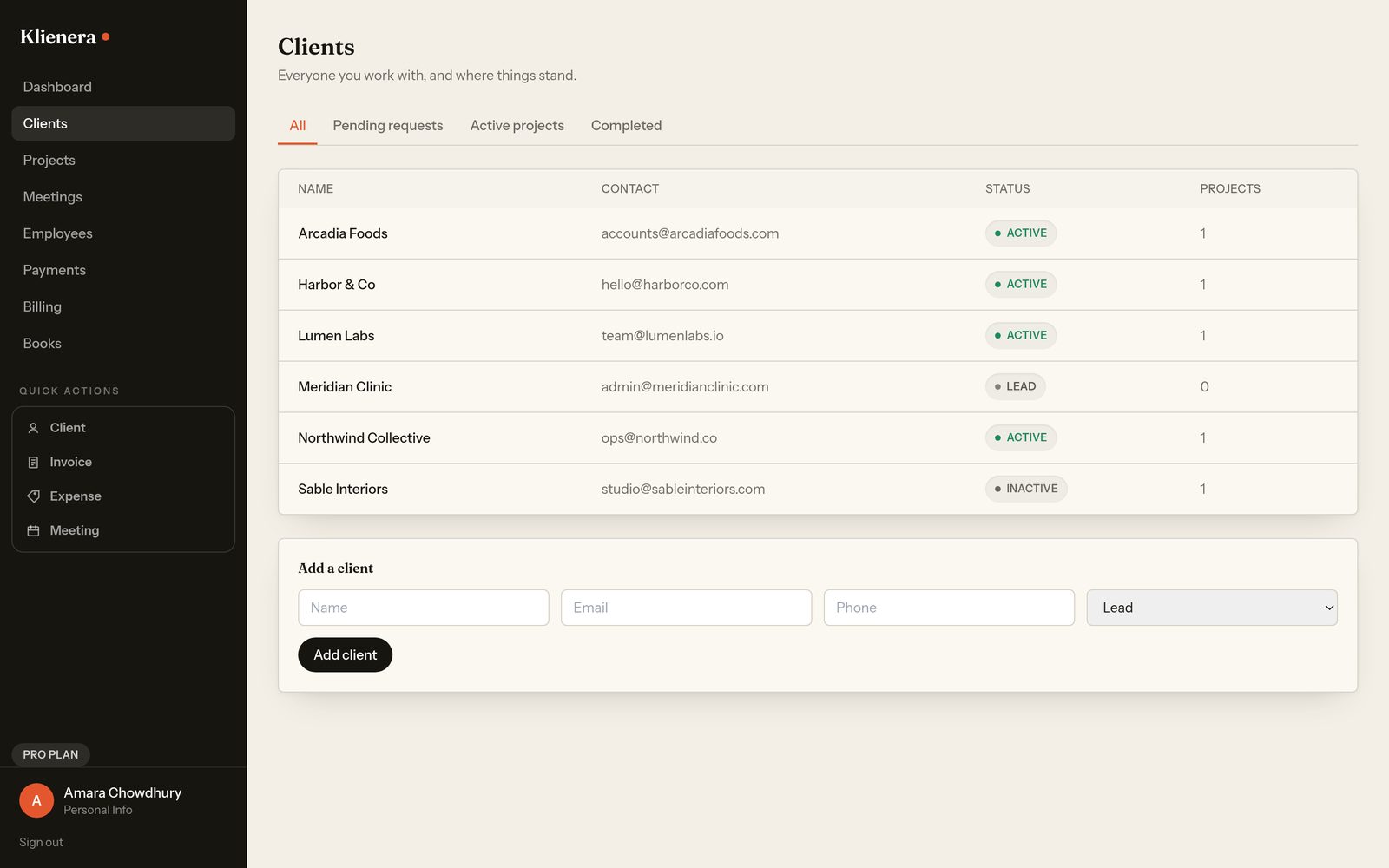
Clients
Every client on one line: contact, status, how many projects. Leads stay in the list until they become active, so nothing is lost in a chat thread.
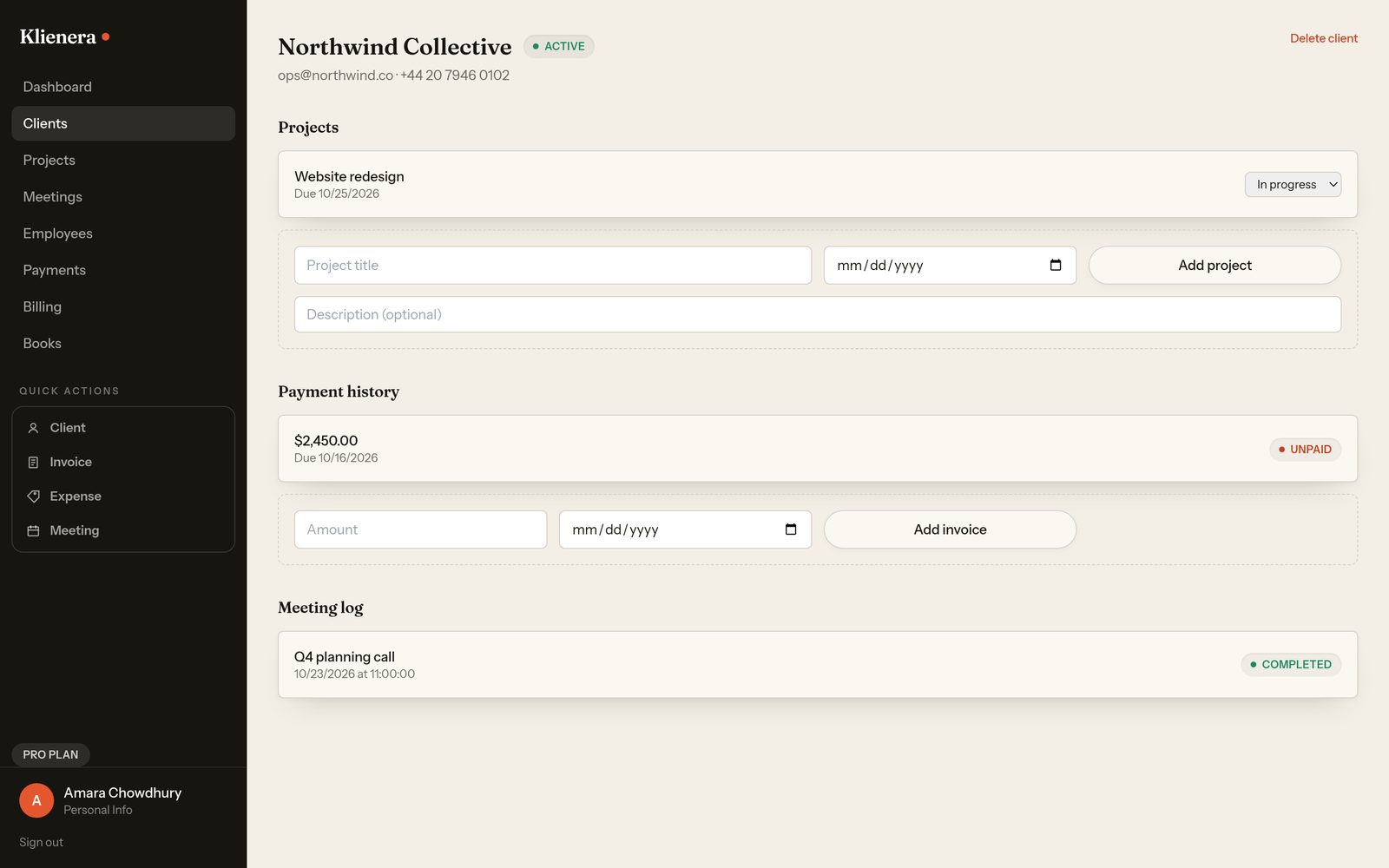
One client, the whole story
Open a client and their projects, payment history and meeting log sit on the same screen. This is the screen that replaces three spreadsheets.
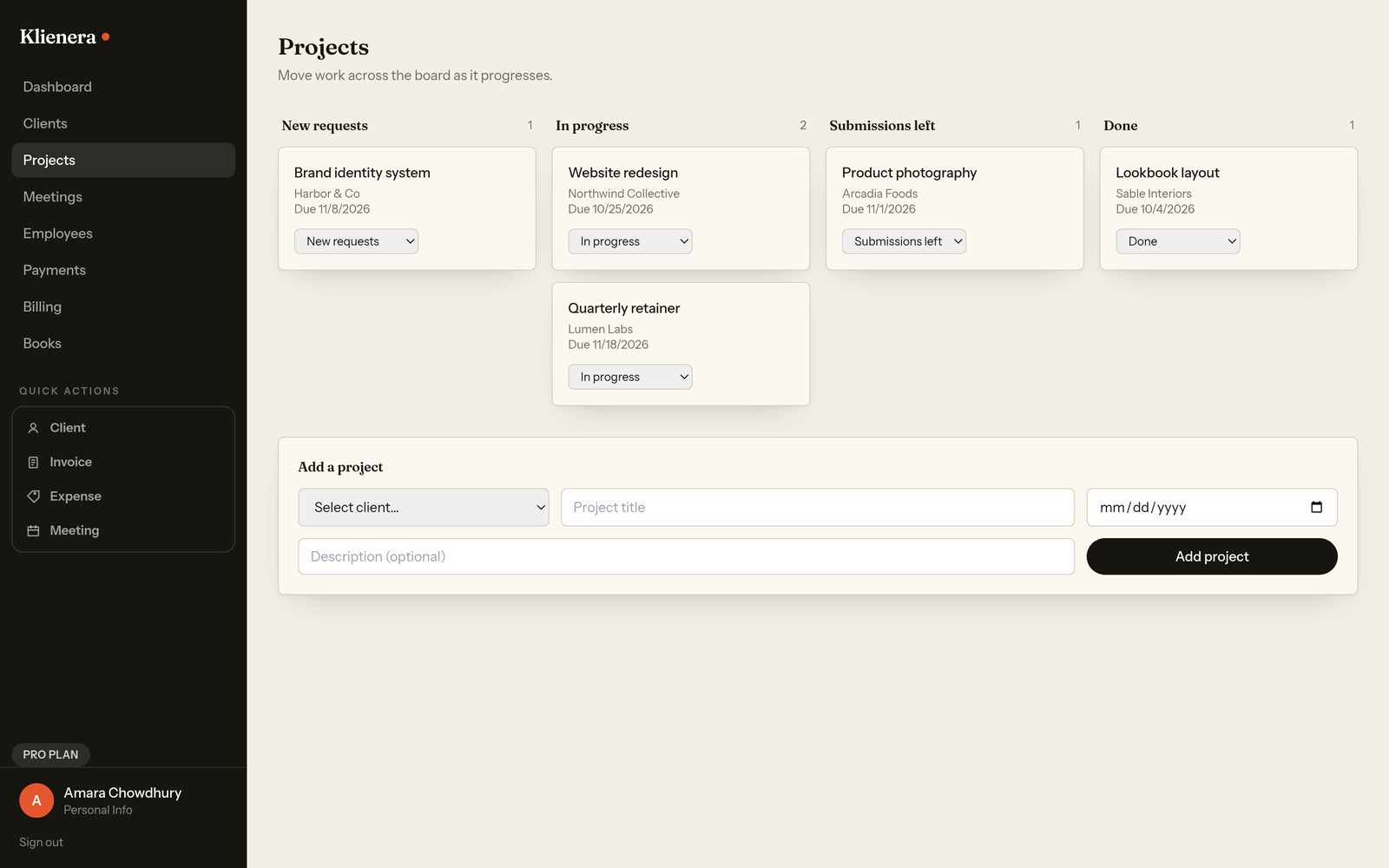
Projects
Work moves across New requests, In progress, Submissions left and Done. One dropdown moves a project; the dashboard then knows what is overdue.
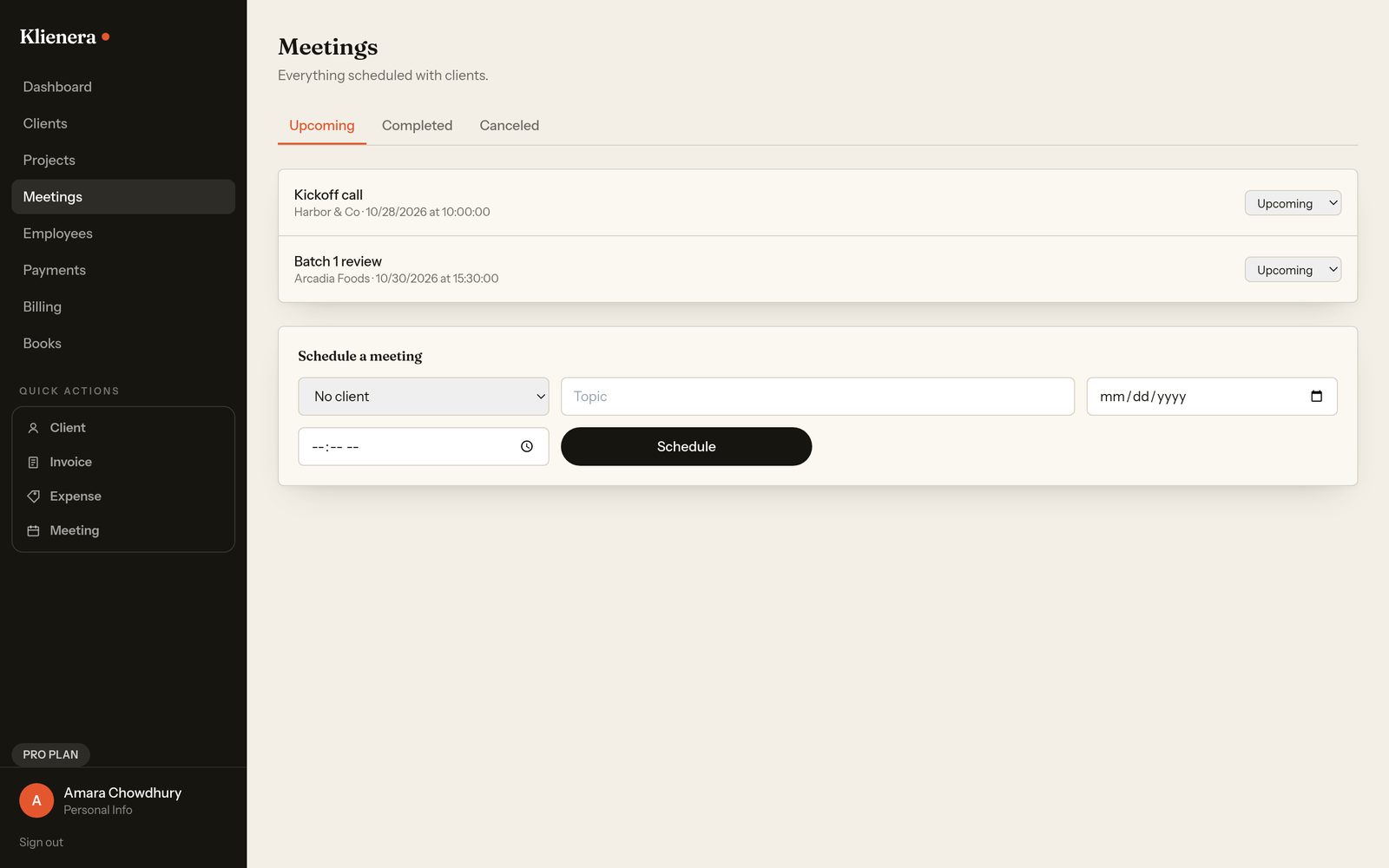
Meetings
Upcoming and completed meetings, filed against the client or the project. No double-booking, no scrap of paper with a time on it.
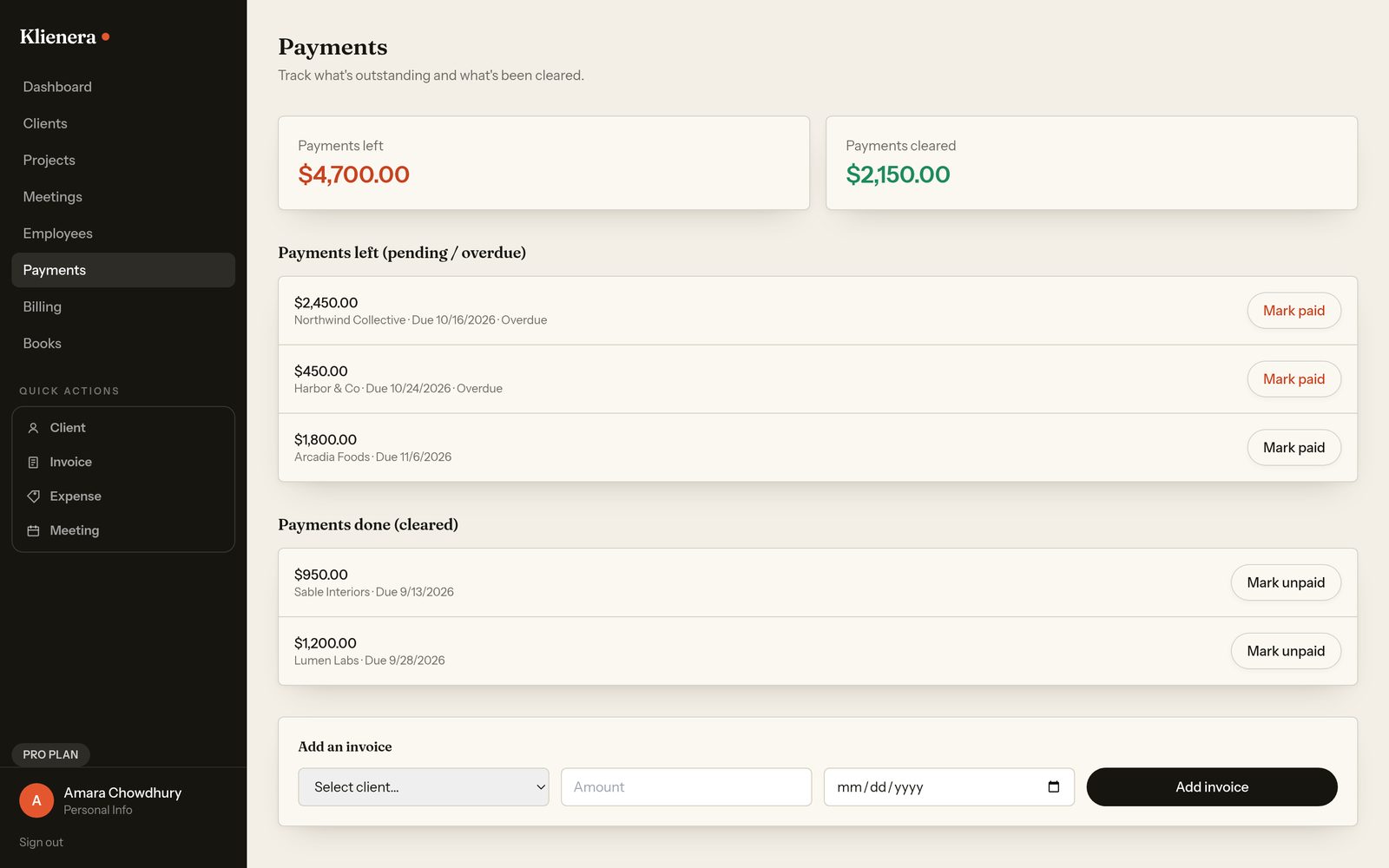
Payments
Payments left and payments done, side by side. Overdue invoices turn red on their own. This is the screen that ends the awkward second email.
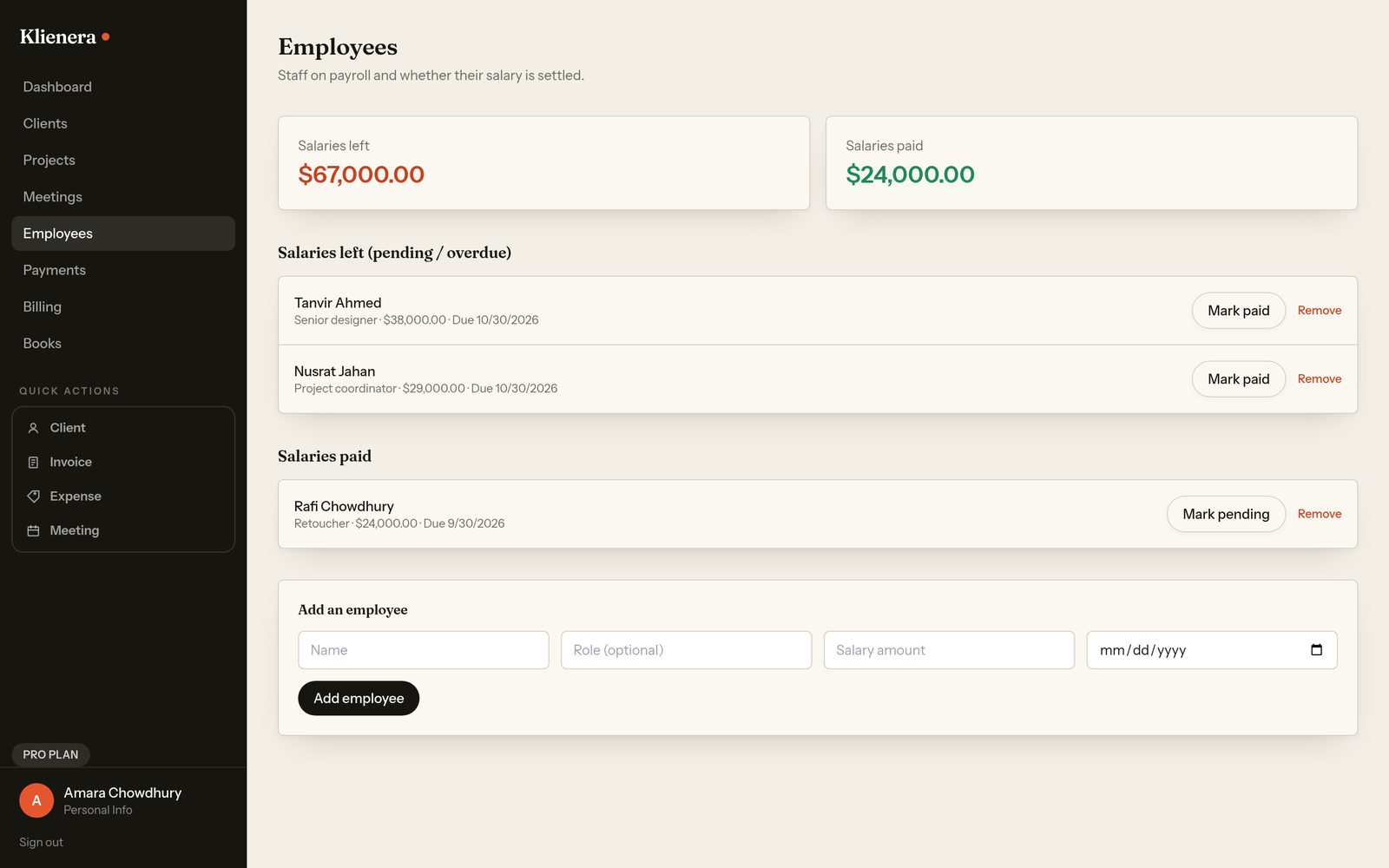
Employees and payrollPro
Staff, salaries and due dates, each marked paid or pending in a click. Salaries paid and salaries left, added up for you.
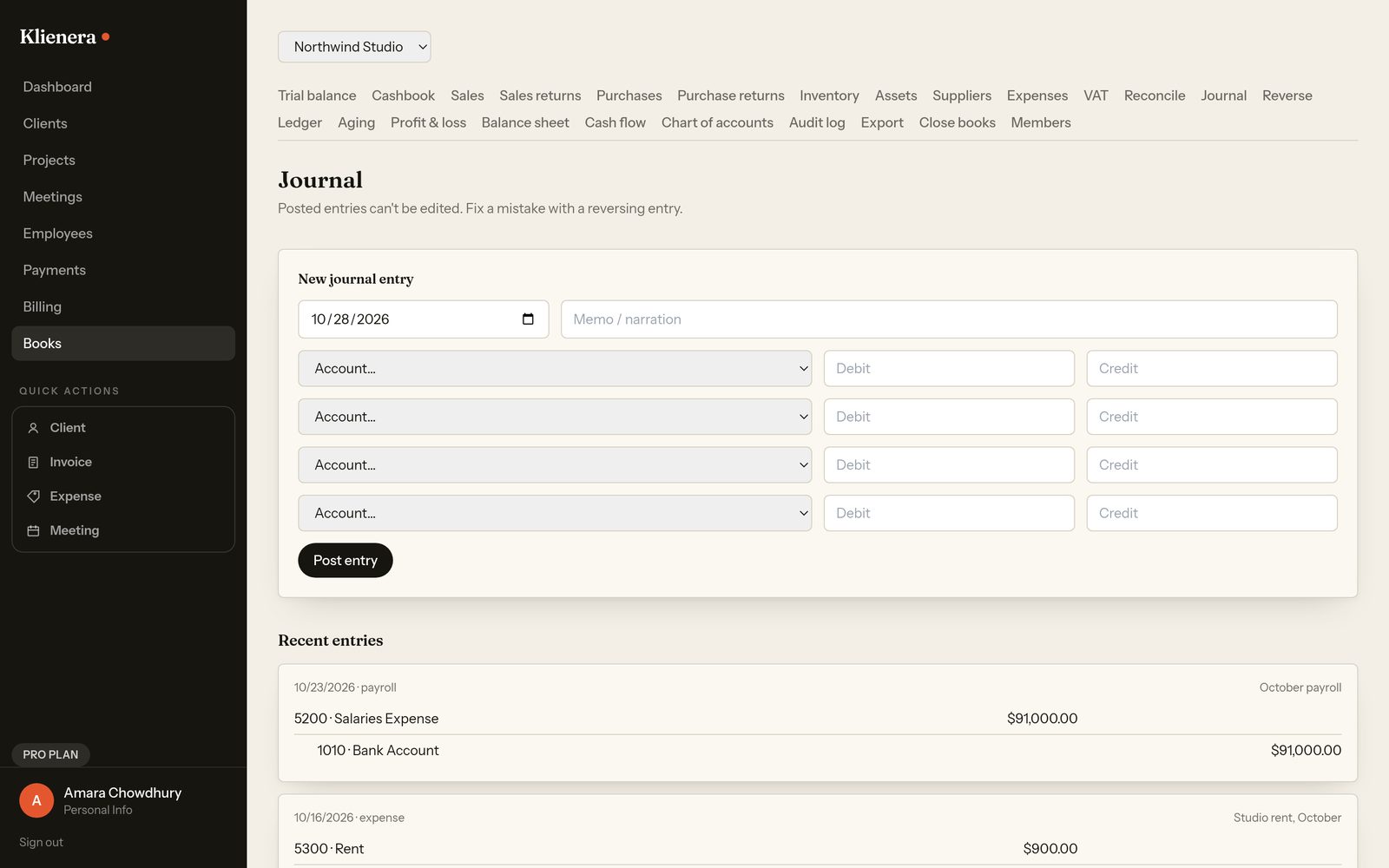
The books
Journal, day book, VAT, trial balance, cashbook, aged receivables, bank reconciliation and fixed assets, next to the client that caused them. Most client trackers stop at the invoice. This one closes the books.
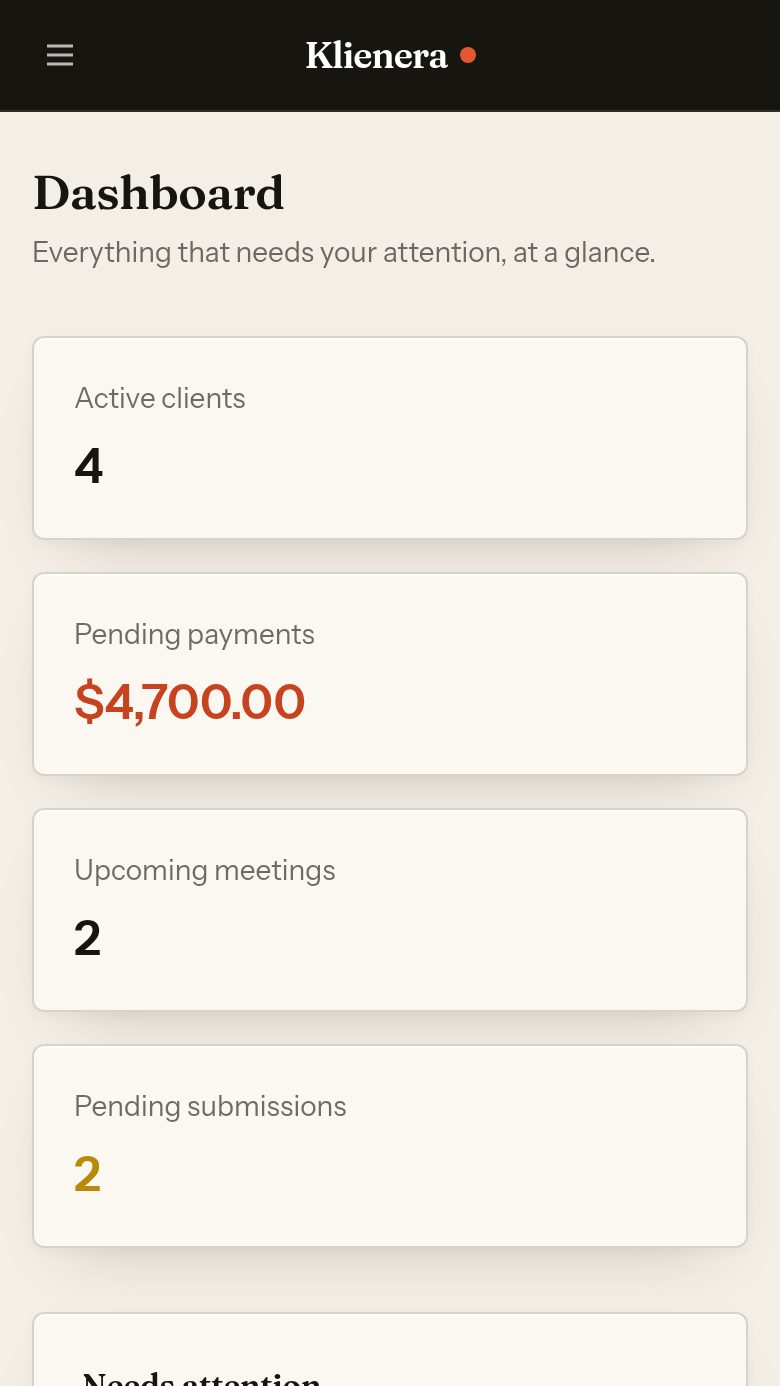
On a phone
The same workspace, readable at arm's length. Useful when a client pays you at lunch and you want it recorded before you forget.